
kromacat
Android beta
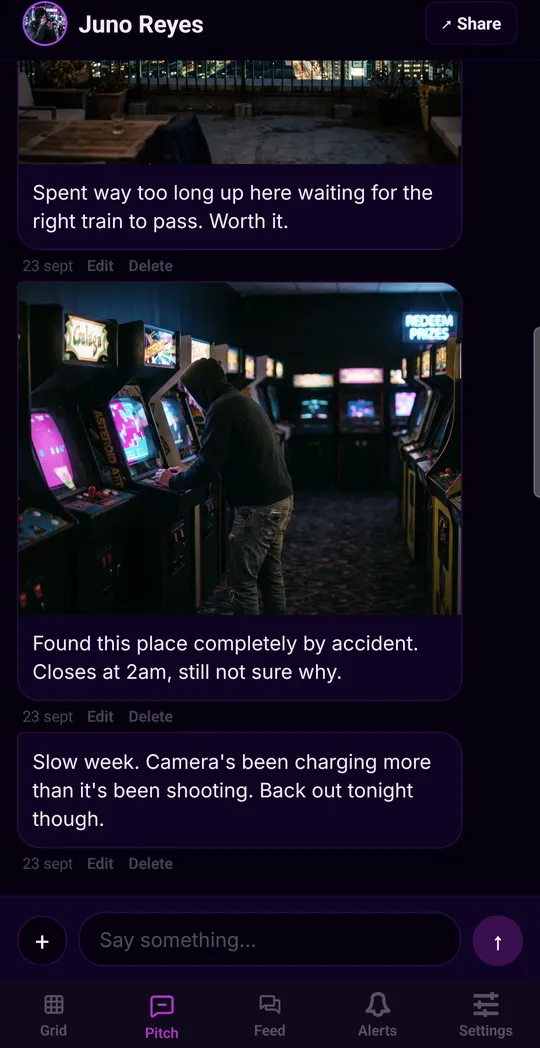
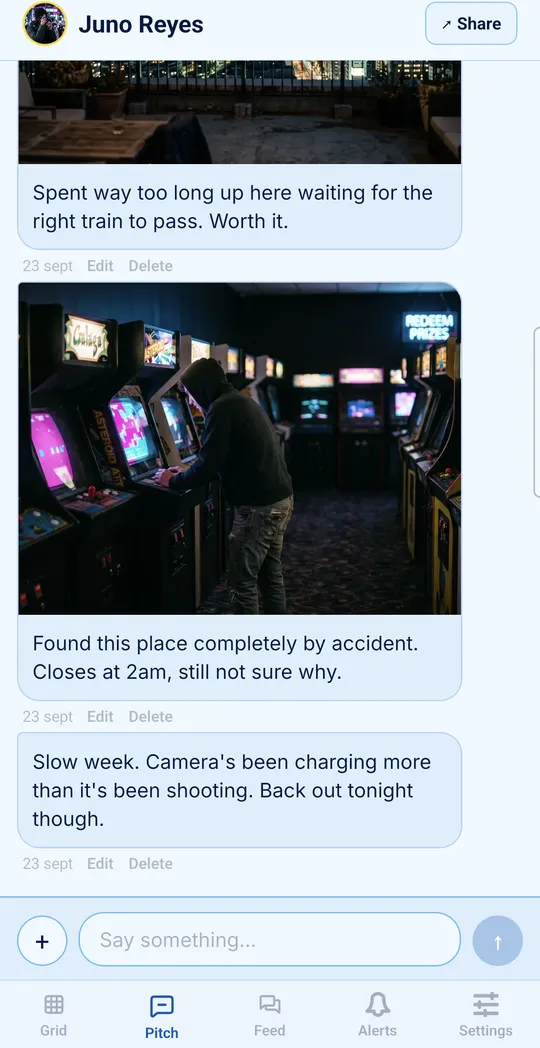
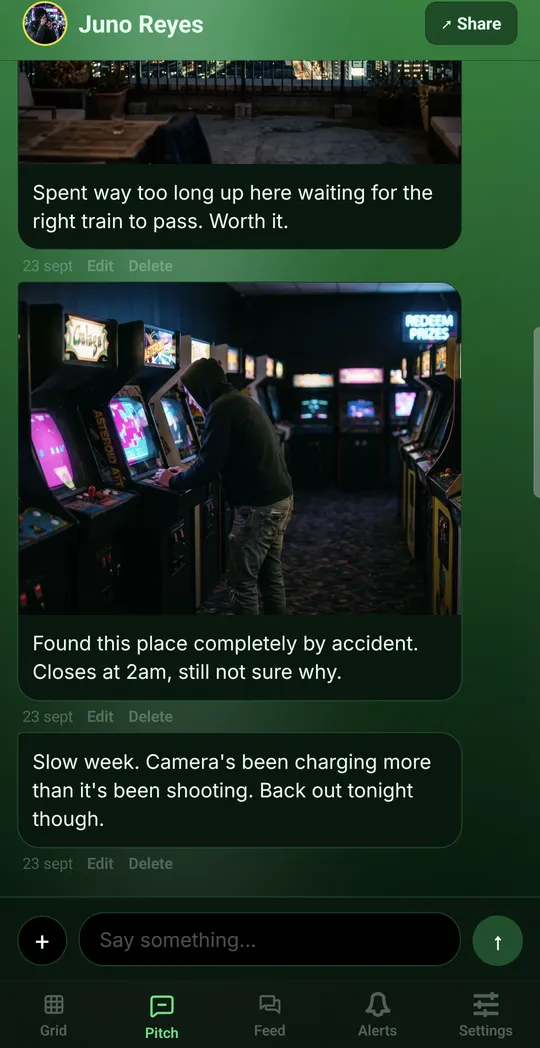
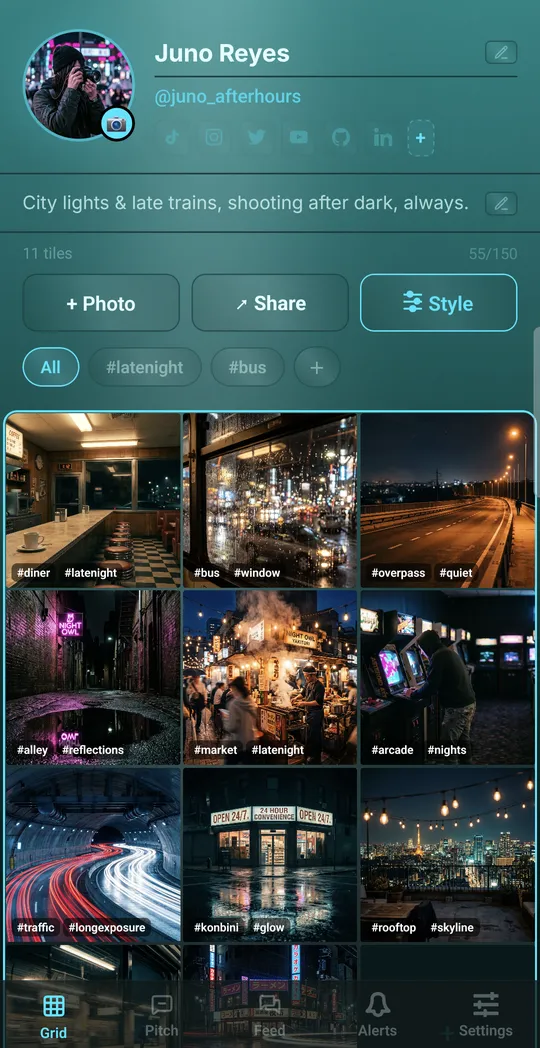
A space for your photos, illustrations and designs, styled your way. Join before launch and every Style stays yours for good.
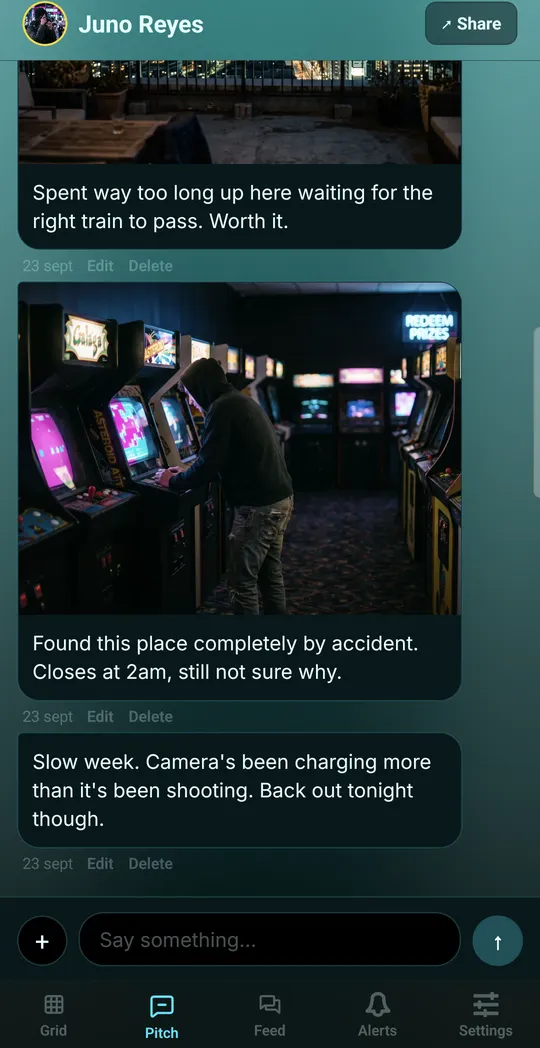
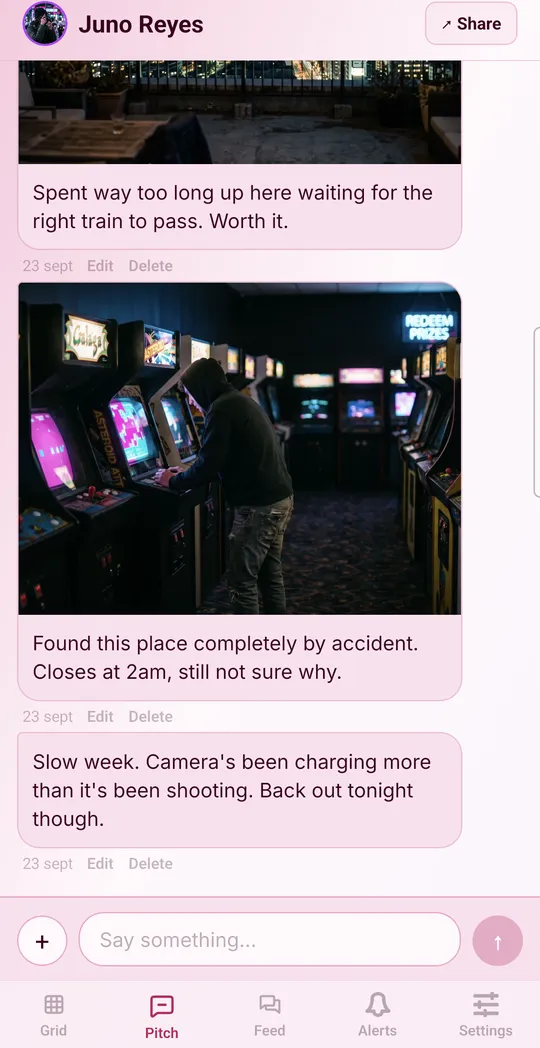
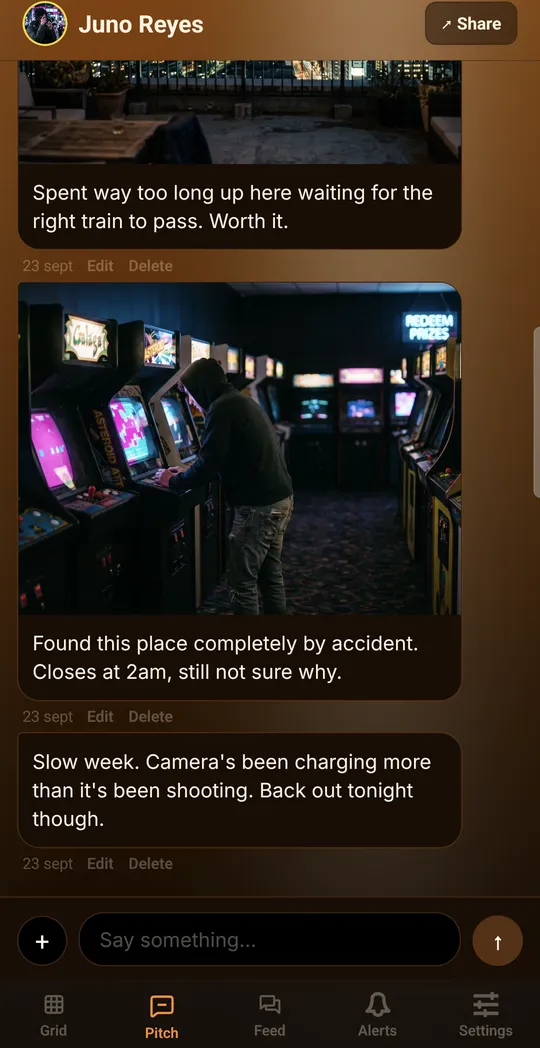
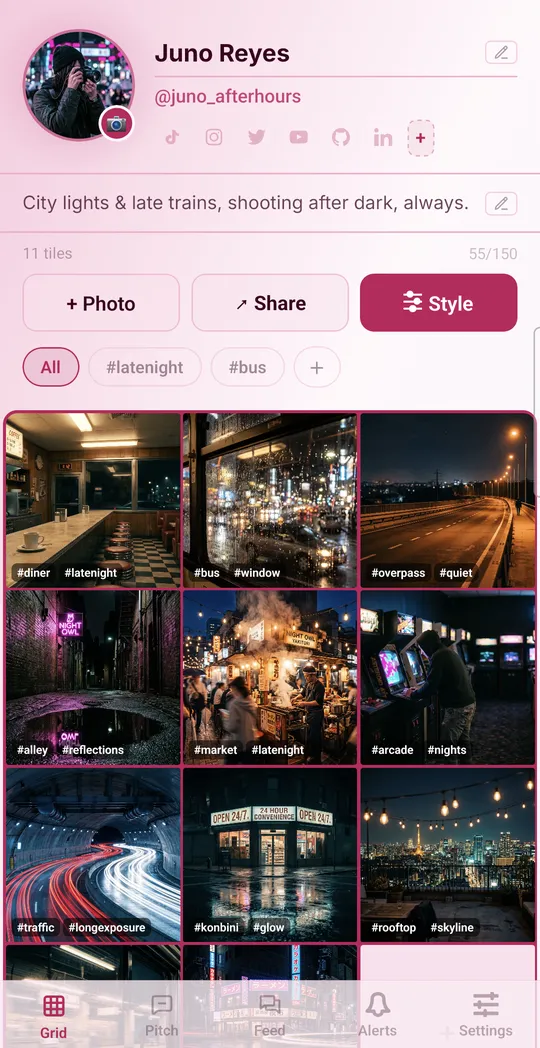
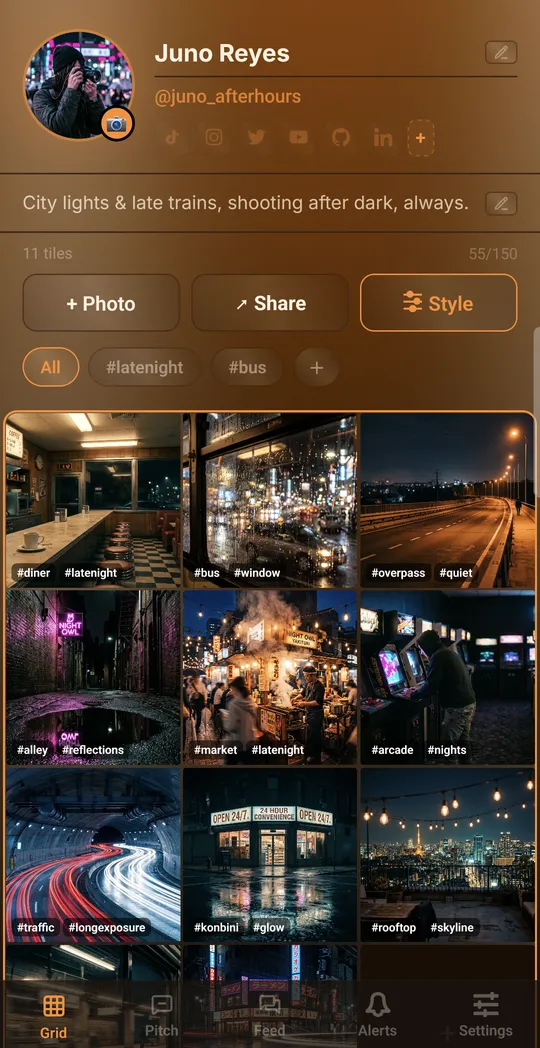
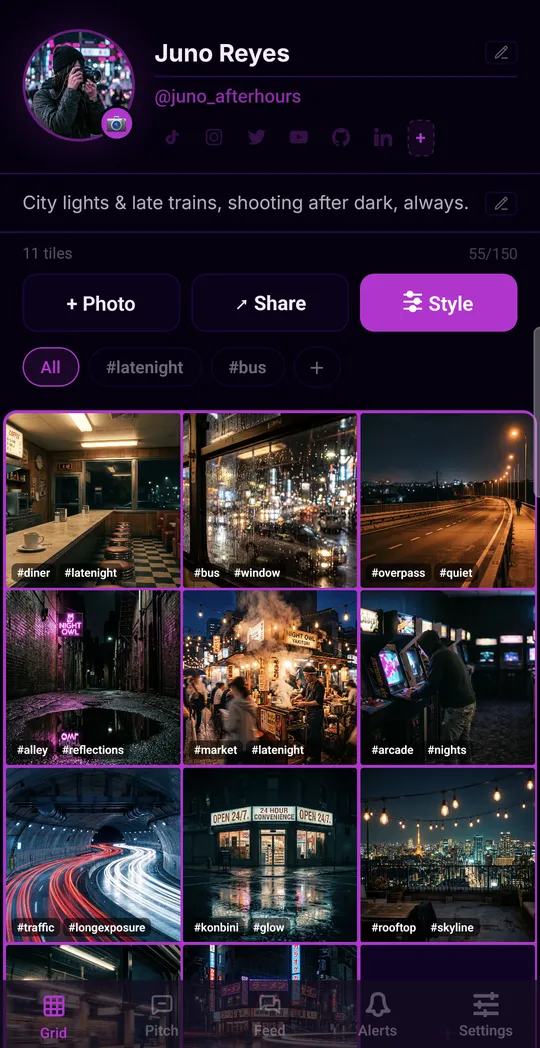
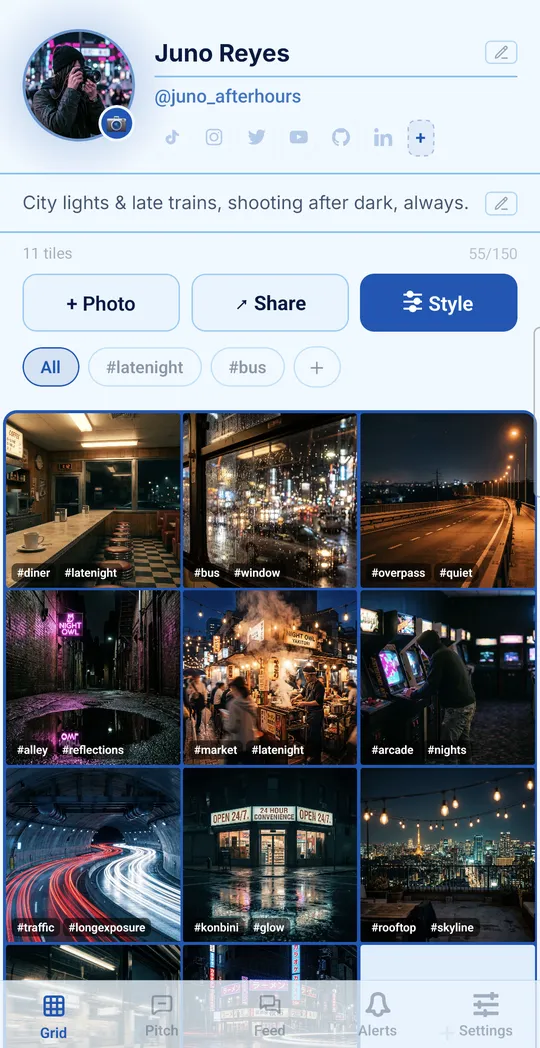
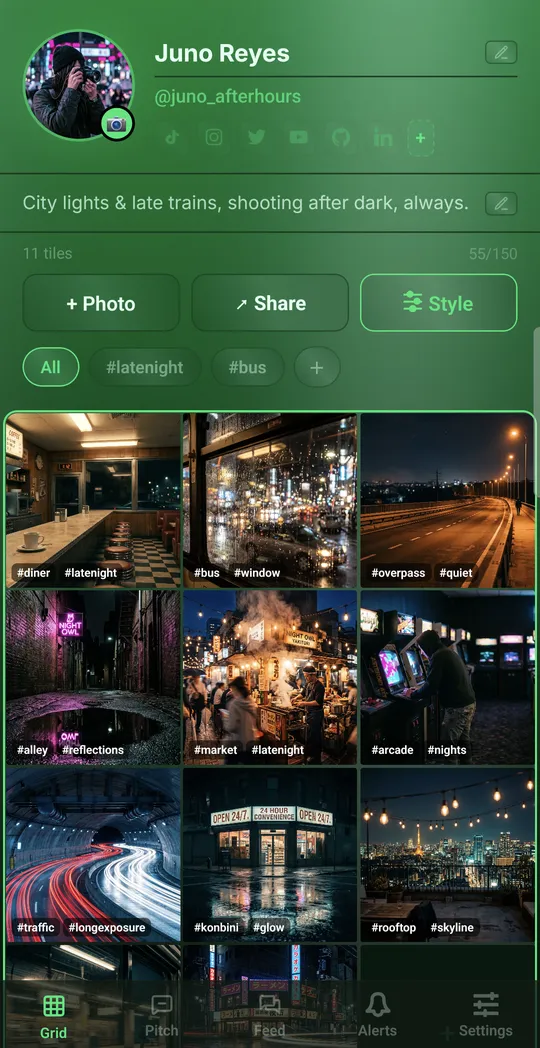
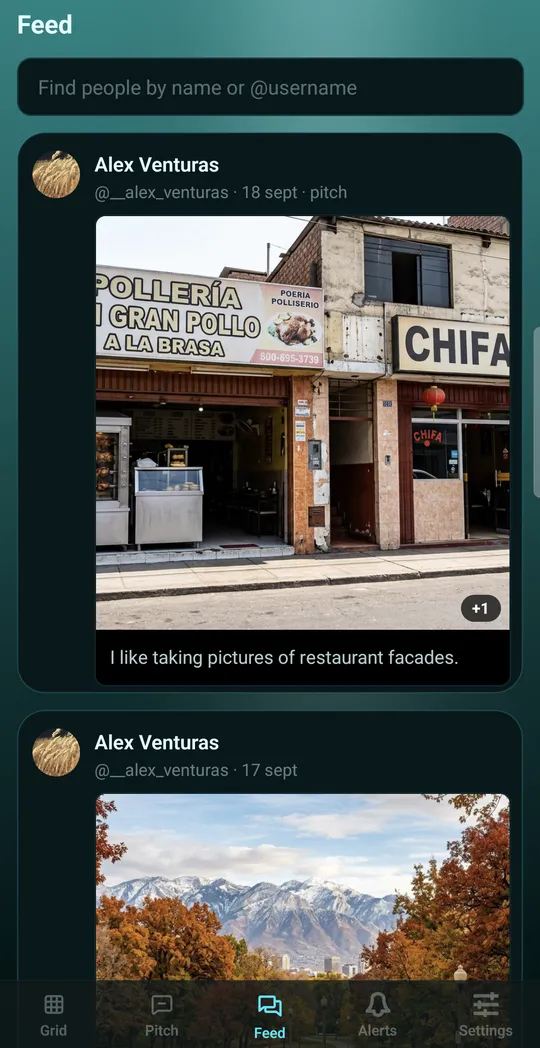
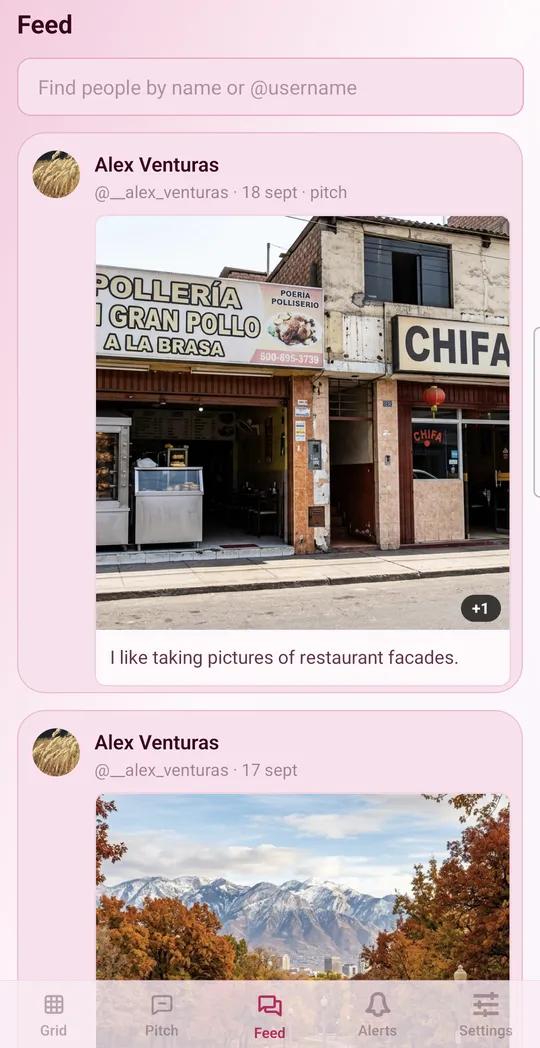
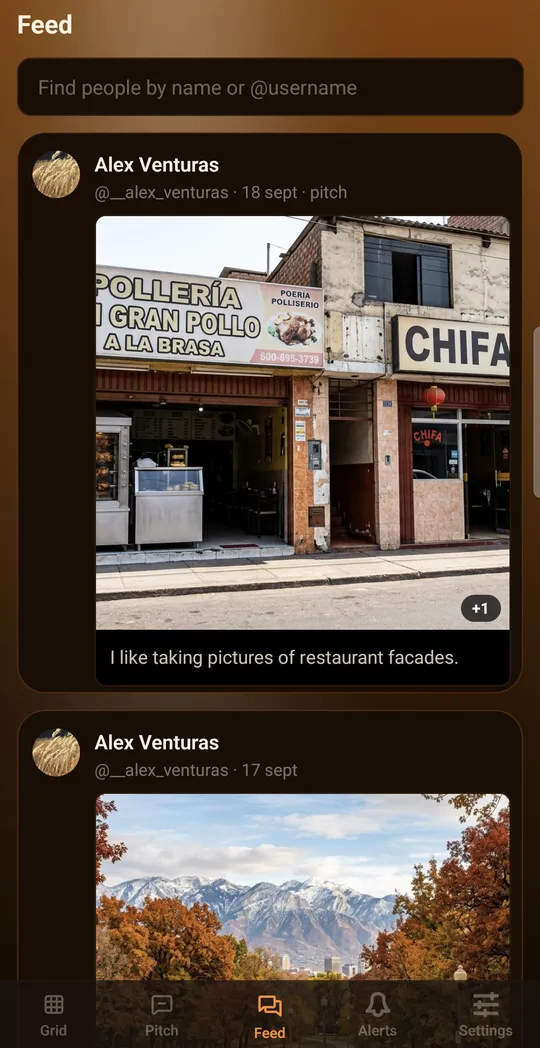
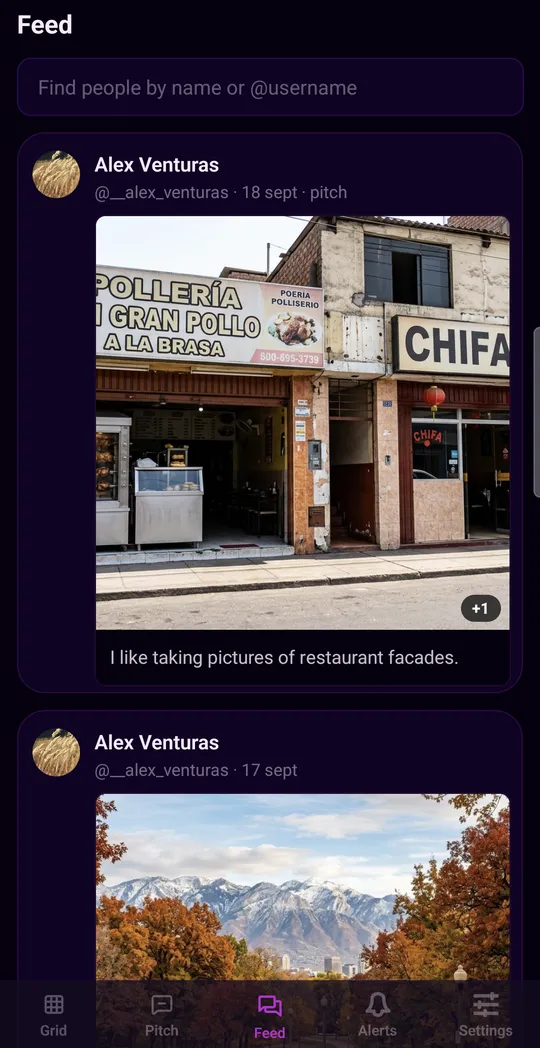
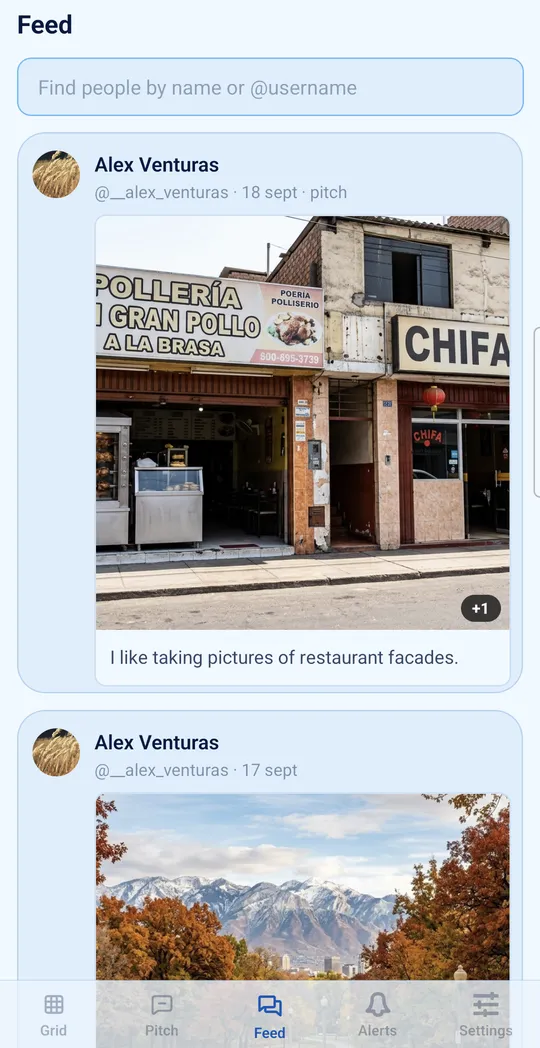
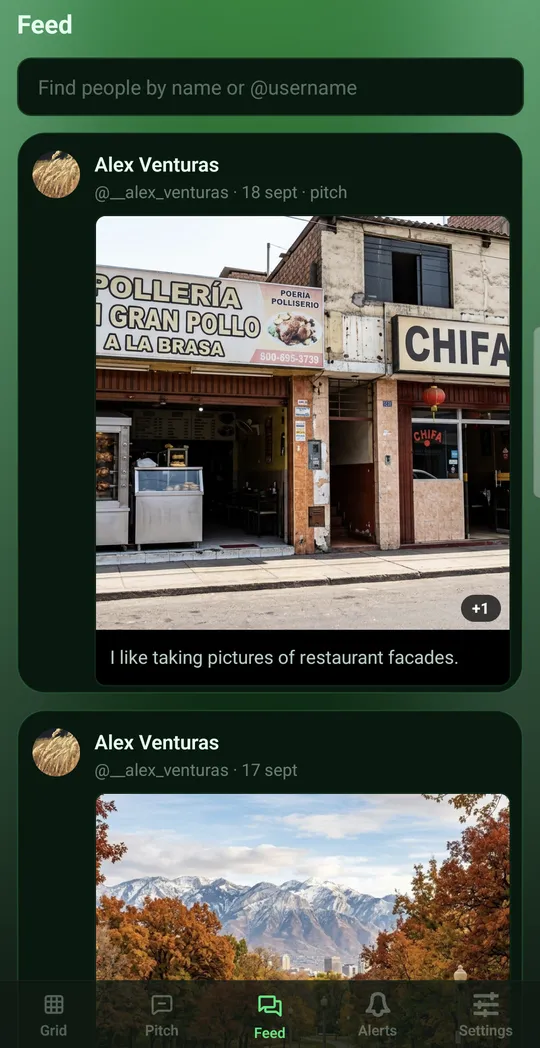
Style Tide

Good to know
- One Google account for everything. Join the group, become a tester and install with the same account your phone uses on Google Play.
- Give it a few minutes. Right after joining, Google Play can take a moment to welcome you in. If Kromacat shows as unavailable in step 3, wait a little and try again.
- A test-version notice is normal. Google Play marks every app in early access as a test version. The notice goes away at launch.
- Your Styles stay yours. Every Kromacat account created before launch keeps every Style for good, whichever email you sign up with.
- Stay for 14 days. Keep the app installed and drop by now and then. Every tester who stays brings the public launch closer.
- Tell us what you think. In the app, go to Settings → Help & Support, or leave private feedback on the Kromacat page in Google Play.
Not on Android? Kromacat works on the web too — create your space.
Google Play and the Google Play logo are trademarks of Google LLC.